
How it works
- 1
Listen
The phone's microphone hears the room.
- 2
Measure
A live meter shows how loud it is.
- 3
Too loud?
If it stays above the limit, it counts.
- 4
Photo
A picture is saved as evidence.
- 5
Alert
The teacher is notified and it is logged.
What you get
Live noise meter
Animated gauge in green, yellow and red.
Automatic photo
Captured only when the room is too loud.
Teacher alerts
Notification with date, time and class.
Alert history
See every alert, with charts and exports.
Works offline
No internet needed; syncs later.
Teacher settings
Teachers choose the limit and timing, behind a PIN.
Download for Android
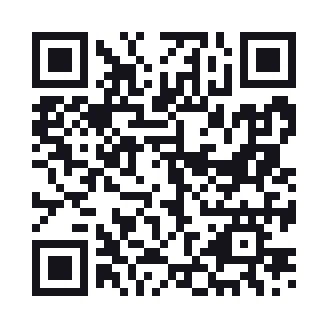
Scan the QR code with your phone camera, or tap the button. The app is free.
DOWNLOAD APK- Version
- Size
- SHA-256
The APK is being prepared. Please check back soon.
Install in 4 steps
1
Download
Tap the button or scan the QR code on your Android phone.
2
Open the file
Open CalmClass.apk from your notifications or Downloads.
3
Allow install
If asked, allow your browser to install unknown apps. This is normal for apps outside Play Store.
4
Say yes
Allow microphone, camera and notifications so the app can do its job.
Privacy for learners
Calm Class never records or stores sound; it only measures the level. A photo is taken only when the room is too loud, is stored encrypted, and is deleted automatically after 30 days.